Copy Paste Visible Cells only (Two more ways to do it)
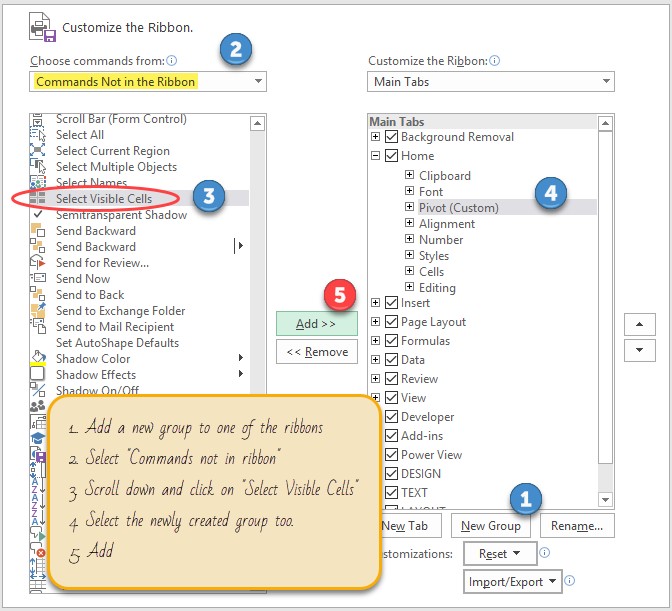
Last week, we talked about how to copy and paste visible cells alone (ie exclude any filtered rows or hidden columns etc.) In the comments section many of you suggested two more ways to deal with this annoying problem. Let’s take a look them. Continue reading →
Continue Reading ›Posted in Productivity
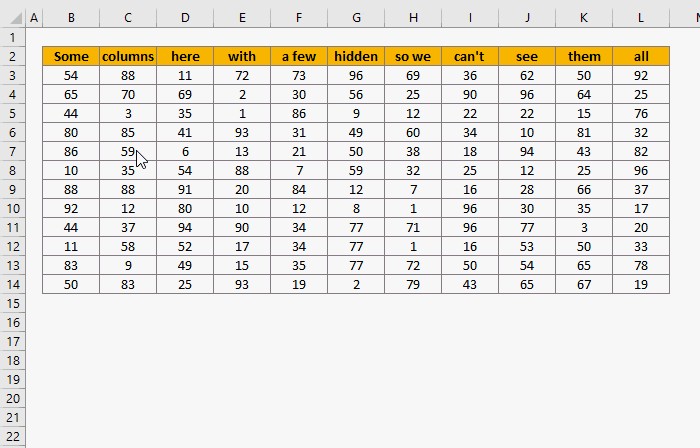
![Copy & paste visible cells only [Excel Trick]](/media/productivity/copy-paste-visible-cells-only-excel-trick/featured-image.jpg)
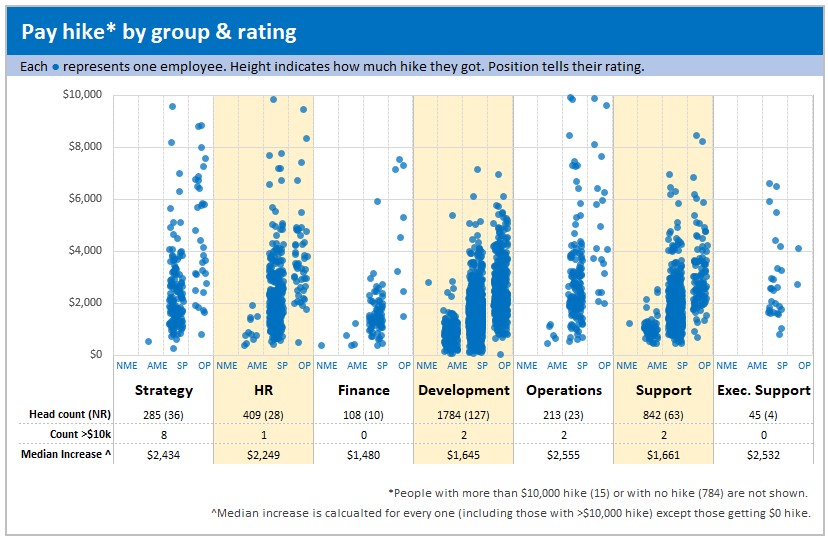
![Awesome chart to visualize Salary Increases for 3,500+ people [Tutorial]](/media/productivity/awesome-chart-to-visualize-salary-increases-for-3500-people-tutorial/featured-image.jpg)

![Employee Performance Panel Charts – Excel vs. R [video]](/media/productivity/employee-performance-panel-charts-excel-vs-r-video/featured-image.jpg)
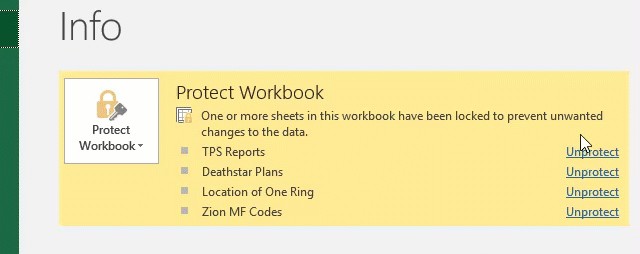
![Use File > Info to quickly unprotect multiple worksheets [Quick tips]](/media/productivity/use-file-info-to-quickly-unprotect-multiple-worksheets-quick-tips/featured-image.jpg)


![Rounding time to nearest minute or quarter hour etc. [formulas]](/media/productivity/rounding-time-to-nearest-minute-or-quarter-hour-etc-formulas/featured-image.jpg)