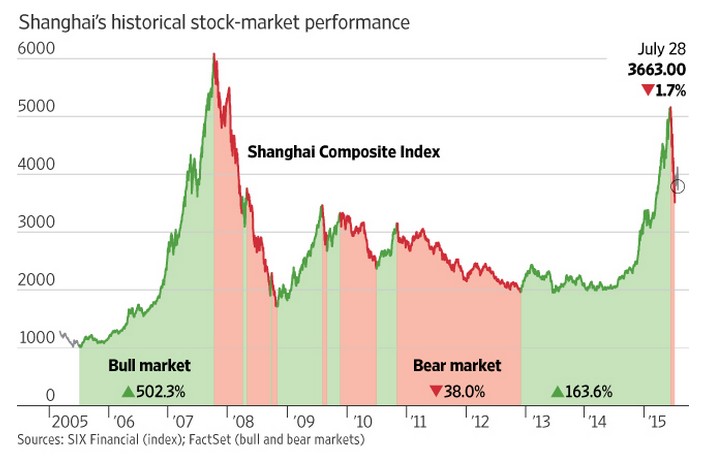
Give descriptive titles to your charts for best results
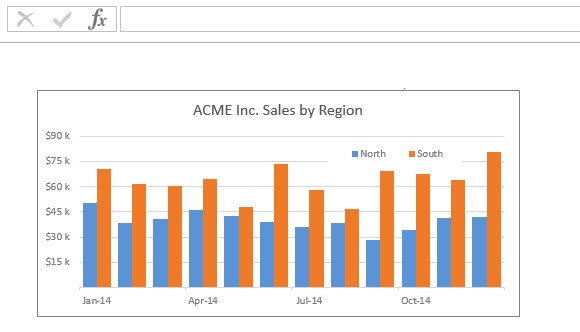
Here is a simple & effective tip on charting. Give your charts descriptive & bold titles. How to set up title that are smart & descriptive? Simple, follow below steps. Create the title you want in a cell Select the chart title Go to formula bar, press = and point to the cell with title Press enter. Continue reading →
Continue Reading ›Posted in Productivity
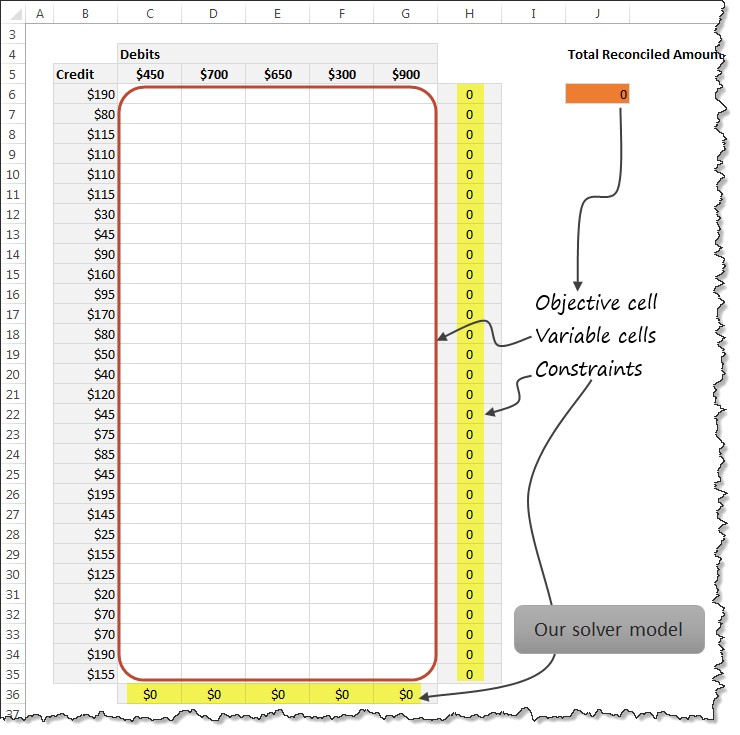
![Reconcile debits & credits using Solver [Advanced Excel]](/media/productivity/reconcile-debits-credits-using-solver-advanced-excel/featured-image.jpg)
![Work with charts faster using selection pane & select object tools [quick video tip]](/media/productivity/work-with-charts-faster-using-selection-pane-select-object-tools-quick-video-tip/featured-image.jpg)


![Shading an area different colors for up & down movements [case study]](/media/productivity/shading-an-area-different-colors-for-up-down-movements-case-study/featured-image.jpg)